.webp)
.webp)

Download Monese APK – Mobile Banking, Money Transfer, Secure Payments, Multi-Currency Support
Overview
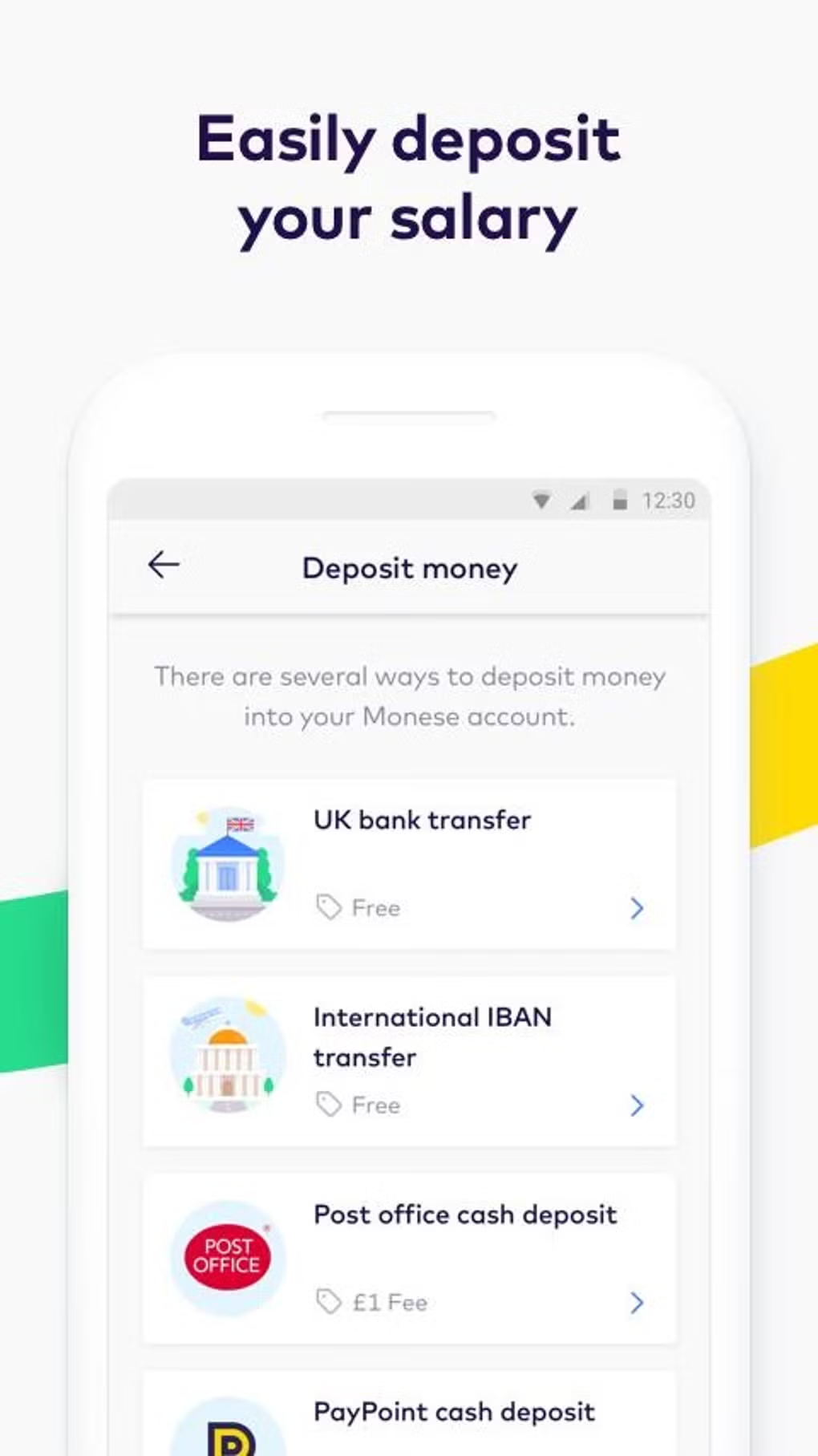
Monese is a mobile banking application designed for users seeking a fast, secure, and flexible financial solution, particularly those without access to traditional banking services. The app enables users to open a mobile money account in minutes, regardless of their credit history, making it an ideal choice for freelancers, self-employed individuals, and expatriates. With Monese, users can spend, receive, and transfer money globally through their smartphones, supporting multiple currencies including GBP, EUR, and USD.
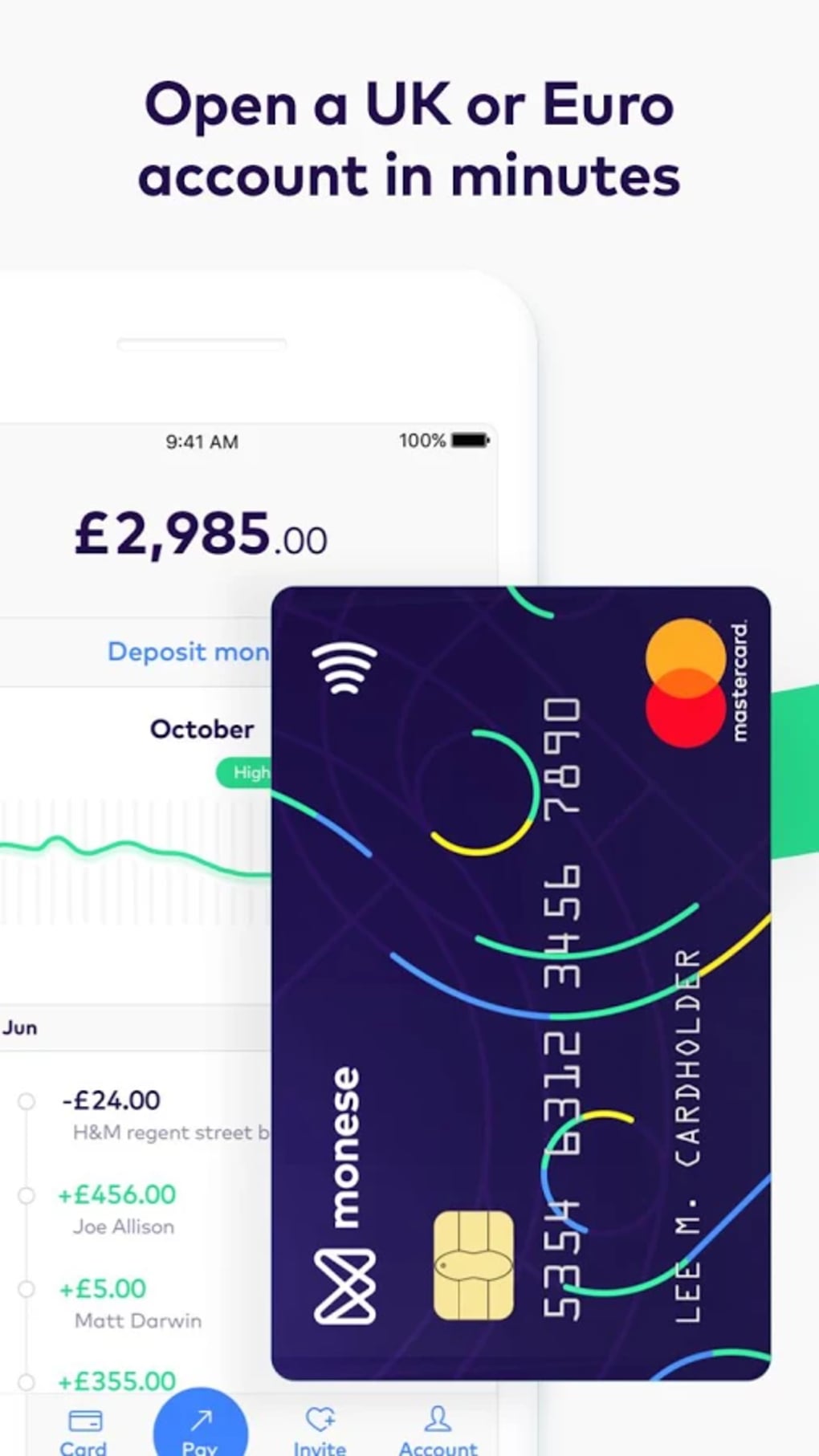
The app is available on Android and iOS, offering full access to banking features through a digital interface. Monese provides a contactless Mastercard debit card that functions internationally, allowing users to make purchases both online and in physical stores. Additionally, the card can be linked to PayPal for seamless online payments.
The service is designed for individuals who value convenience, speed, and financial inclusion. While the developer did not provide detailed information on the company’s background, Monese is recognized as one of the UK’s fastest-growing digital banking platforms. Real-world use cases include remote workers managing international payments, freelancers receiving client payments in different currencies, and travelers needing a secure, card-based solution abroad.
Key Features & Capabilities
- Instant Account Opening – Users can create a mobile money account within minutes, without the need for a traditional bank account or credit check.
- Multi-Currency Support – The app allows users to send and receive money in GBP, EUR, USD, and other supported currencies, ideal for international transactions.
- Contactless Mastercard Debit Card – A physical card is issued and can be used globally for in-store and online purchases, including contactless payments.
- PayPal Integration – The Monese card can be added to PayPal, enabling users to make payments through the popular digital wallet platform.
- Recurring Payments & Transfers – Users can set up automatic transfers between accounts and schedule recurring payments for bills or subscriptions.
- 24/7 Customer Support – The company offers multilingual support, available around the clock to assist users with account inquiries or technical issues.
These features collectively empower users to manage their finances independently from a smartphone. For example, a freelancer in Spain can receive payments in EUR, convert them to GBP, and spend the funds using the Monese card in the UK. A remote worker in Germany can set up a recurring transfer to pay for a monthly subscription service. The app’s ability to support multiple currencies and seamless card integration enhances its usability across borders. The digital-first approach reduces dependency on physical bank branches and traditional banking infrastructure, making it particularly valuable for digitally active users who prioritize flexibility and speed.
User Interface, Workflow & Performance
The Monese app features a clean, intuitive interface optimized for mobile use, with clearly labeled sections for account balance, transaction history, card management, and currency conversion. Navigation is straightforward, allowing users to access core functions with minimal taps. The workflow for opening an account, verifying identity, and receiving the card is designed to be efficient and user-friendly.
Users can upload documents for verification directly through the app, streamlining the onboarding process. The app supports secure authentication methods, ensuring account safety. Performance details were not specified by the developer, but based on general mobile banking patterns, the app is expected to operate smoothly on modern Android devices with stable internet connectivity.
The developer did not specify resource usage details, such as CPU or RAM consumption. Stability is assumed to be consistent with industry standards for secure financial apps, though real-world performance may vary depending on device and network conditions. Overall, the user experience appears focused on accessibility and speed, aligning with the app’s target audience of tech-savvy individuals who rely on their smartphones for daily financial tasks.
Compatibility & System Requirements
Monese is available for Android devices and can be downloaded from the Google Play Store. The app supports the latest versions of the Android operating system, though specific version requirements were not listed. Installation size is not publicly disclosed, but typical mobile banking apps of this nature generally occupy between 50 MB and 150 MB of storage space.
The developer did not provide detailed hardware requirements or system specifications. Compatibility information is limited to the Android platform, with no mention of support for other operating systems beyond the official app store availability. Users are advised to ensure their device meets standard Android requirements for app installation and secure data handling.
The developer did not specify whether the app supports tablets or wearables. For optimal performance, users should have a stable internet connection and a device with sufficient processing power and memory to run the app without lag.
Pros and Cons
Pros
- Fast, instant account creation with no credit check required
- Supports multiple currencies for international money transfers
- Physical Mastercard debit card available for global use
- Integration with PayPal for online payments
- 24/7 multilingual customer support
- Free to download and use with no hidden fees
Cons
- No information provided on specific system requirements or file size
- Performance and resource usage details were not disclosed
- Only available on Android and iOS, with no desktop version
- May not support all banking features found in traditional banks
- Dependence on internet connectivity for full functionality
FAQ Section
Is Monese available for free on Android?
Yes, Monese is available to download for free from the Google Play Store. The app does not charge users for downloading or using the core banking features.
Can I use Monese without a traditional bank account?
Yes, Monese is designed for users who do not have access to traditional banking services. You can open a mobile money account without a credit check or existing bank account.
Does Monese support international transactions?
Yes, Monese supports sending and receiving money in multiple currencies, including GBP, EUR, and USD. The app enables global transfers and allows the use of the Mastercard debit card abroad.
Is the Monese app secure?
Yes, the app uses secure authentication and encryption to protect user data. It is available through official app stores, which adds an additional layer of security.
Can I update Monese manually?
Updates are typically delivered through the Google Play Store. Users can enable automatic updates or manually check for updates within the app store.
Final Thoughts + CTA
Monese stands out as a modern, accessible digital banking solution tailored for individuals who need flexibility, speed, and global reach in their financial management. Its ability to provide instant account access, multi-currency support, and a globally usable debit card makes it a strong choice for freelancers, remote workers, and those excluded from traditional banking. While the app lacks a desktop version and detailed technical specifications, its mobile-first design and robust feature set deliver a compelling user experience.
The absence of credit checks and the inclusion of 24/7 multilingual support further enhance its appeal. For users seeking a secure, free, and convenient way to manage money on the go, Monese delivers on its promises. Download Monese now to experience a new way to bank on your smartphone.






.png)
